🆕 100% Free · No sign-up

941MockFree App Store Previews and Screenshots Generator

Create stunning iPhone App Store screenshots in 2 minutes. No sign-up, no credit card, no watermark. Choose from many device frames — start now!

Free forever 2-minute setup🚫 No watermark Unlimited exports
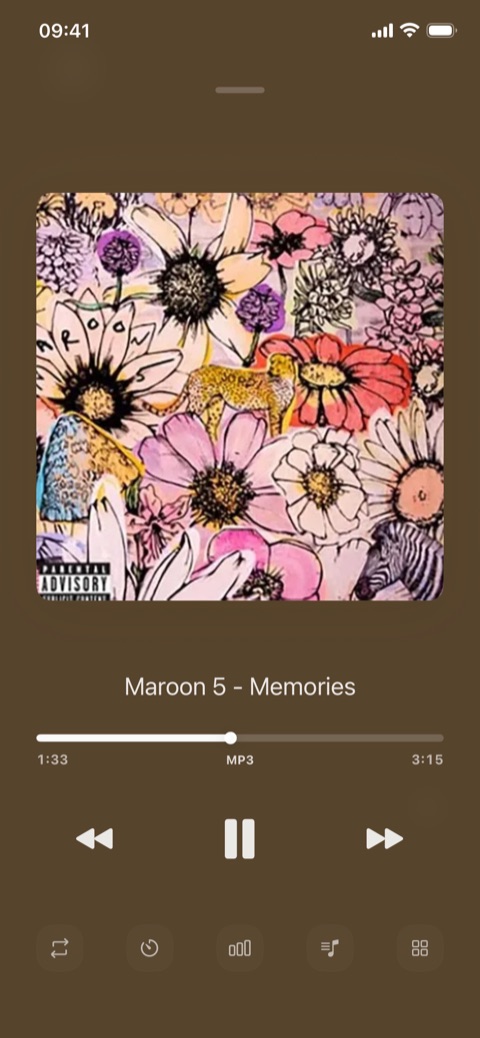
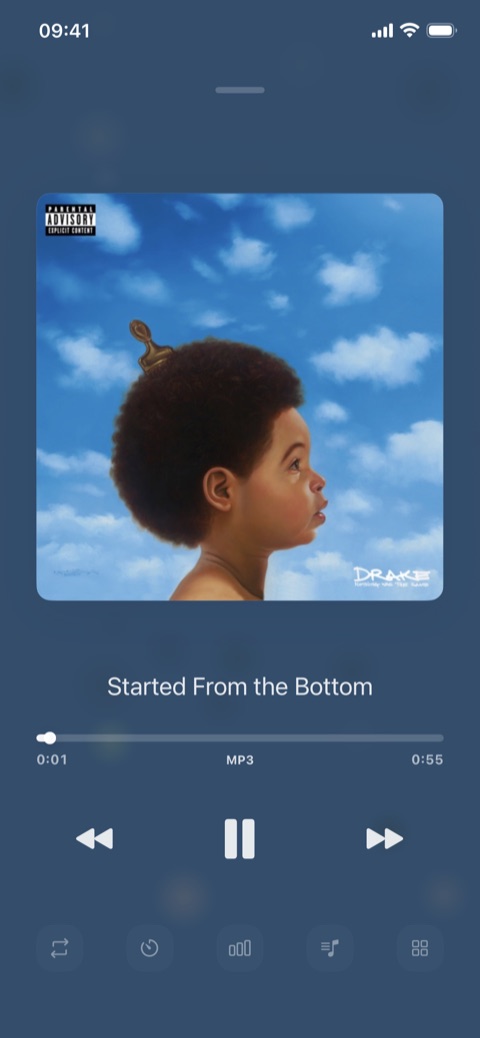
App Store screenshot example: iPhone app UI preview

Why 9:41?

The time Apple made iconic.

9:41

Apple designed its keynotes so the big product reveal happens about 40 minutes in — the on-screen time is set to 9:41, matching what the live audience would be seeing.

From the original iPhone to today, 9:41 has become a quiet cultural symbol among Apple users — see it, think Apple.

9:41AppleiPhoneApp ScreenshotMockup

Read the full story →

Create professional screenshots in four steps

From uploading a screenshot to exporting the result, just four steps.

1

Choose a device frame

Pick your favorite device frame and color from iPhone, Android, or iPad.

2

Upload a screenshot

Drag and drop your app screenshot, or use a demo image to start quickly.

3

Add text & customize

Add marketing copy, adjust colors, fonts, and choose a professional layout.

4

Export & download

Download high-resolution images for App Store, Google Play, or marketing material.

Create stunning store screenshots for your app

An all-in-one screenshot tool designed for developers and designers.

📱

34 realistic device frames

Real device assets for iPhone, Android, and iPad with 99 color options, pixel-perfect.

🖱️

Drag-and-drop editor

Intuitive interface, real-time preview, text editing, and layer management.

🎨

Multiple layouts

Pre-made templates optimized for App Store and Google Play guidelines.

🖼️

High-res export

Multiple formats and resolutions to meet every app store requirement.

🌈

Background options

Gradient, solid, or custom colors to perfectly match your brand.

✏️

Text customization

Rich text editing: many fonts, colors, styles, and positioning options.

Developers love 941Mock

Professional quality, simple to use.

50K+
Screenshots / month
34
Device frames
2
Minutes to create

What developers say

From developers and designers creating professional screenshots with 941Mock.

941Mock completely transformed our App Store presence! Conversion rate jumped 40% with the professional templates, and the device frames look incredibly realistic.

Chen Xiaoting
Chen XiaotingiOS Developer · Tech Company

As an indie developer, this tool saved me hours of design time. I can create stunning screenshots in minutes — the quality is fantastic!

Wang Wei
Wang WeiIndie Developer · Fitness App

I use it for all my client projects. The device frames are pixel-perfect and the export quality is professional-grade. It has become essential to my workflow.

Li Sisi
Li SisiUI/UX Designer

It helped us create consistent, professional screenshots across all our apps. The templates are well-designed and saved us a ton of App Store submission time.

Zhang Qiang
Zhang QiangTeam Lead · Startup

The variety of device frames and layouts is impressive. I can match any brand style, and real-time preview makes iteration lightning fast. Highly recommended!

Liu Yang
Liu YangMobile App Designer

It streamlined our entire screenshot workflow. From concept to App Store submission, we cut the design cycle by 80%. A game-changing tool!

Zhao Lei
Zhao LeiProduct Manager

Frequently asked questions about the App Store screenshot generator

Quickly learn about 941Mock features and how to use it.

An App Store screenshot generator helps developers quickly create store display images with device frames. 941Mock is a free screenshot generator — no sign-up, no watermark. Just upload screenshots, choose a device frame, add copy, and export high-resolution images.

Start creating your app screenshots now

Free, fast, professional. Start without signing up.

Get started